
/ The full picture

Every step, visible before you commit.

Transfers, alerts, and fees — laid flat. No hidden confirmations, no delayed notifications, no fine print.
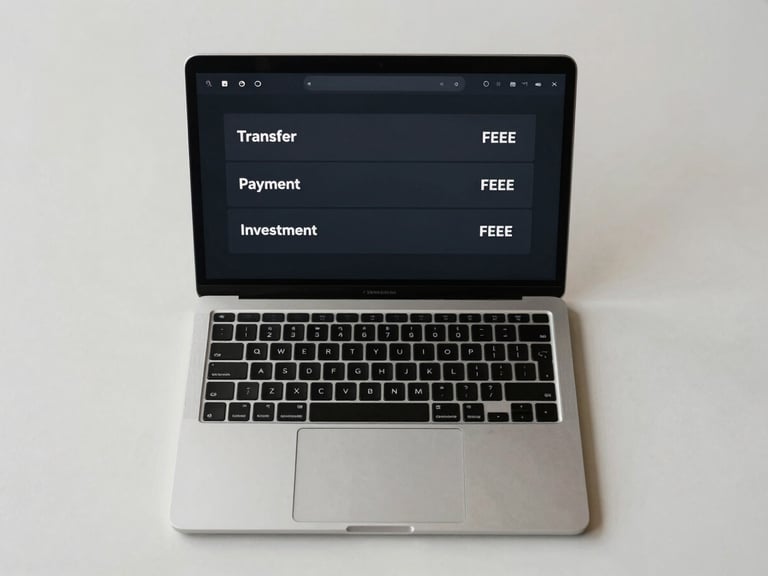
Overhead flat-lay of a laptop on a light desk, screen showing a minimal dark transaction dashboard with three rows — Transfer, Payment, Investment — each with an inline fee amount, studio-lit from above, no reflections, sharp UI text legible
— One interface

Transfers, payments, investments — one view.

Every transaction type surfaces on a single flat screen. No nested menus, no mode-switching — initiate, review, confirm.

The full fee for each action appears at the initiation screen, not at the confirmation step. What you see is what clears.


Close-up of a smartphone held in hand, screen glowing with an SMS notification showing a transaction confirmation — amount, status 'Cleared', timestamp visible — device-screen-lit against a near-dark background, tight crop on the notification banner
• Alert dispatch

Notification fires when the state changes.

The moment a transaction clears, pending, or fails — both email and SMS dispatch simultaneously. No batch window, no retry delay.

Each alert carries the transaction ID, exact amount, timestamp, and current status. Everything needed to act — nothing extra.

No fee appears at confirmation that wasn't shown first.

Every charge is declared at initiation — flat, one-line, in plain language. If it takes more than one sentence to explain, we don't charge it.